Quick Start
Create a Kundli and open Complete Report in minutes.
What you will learn
Understand Kundli 8 in about 5–10 minutes — from Create Kundli to Complete Report and PDF honesty.
Worldwide phone registration
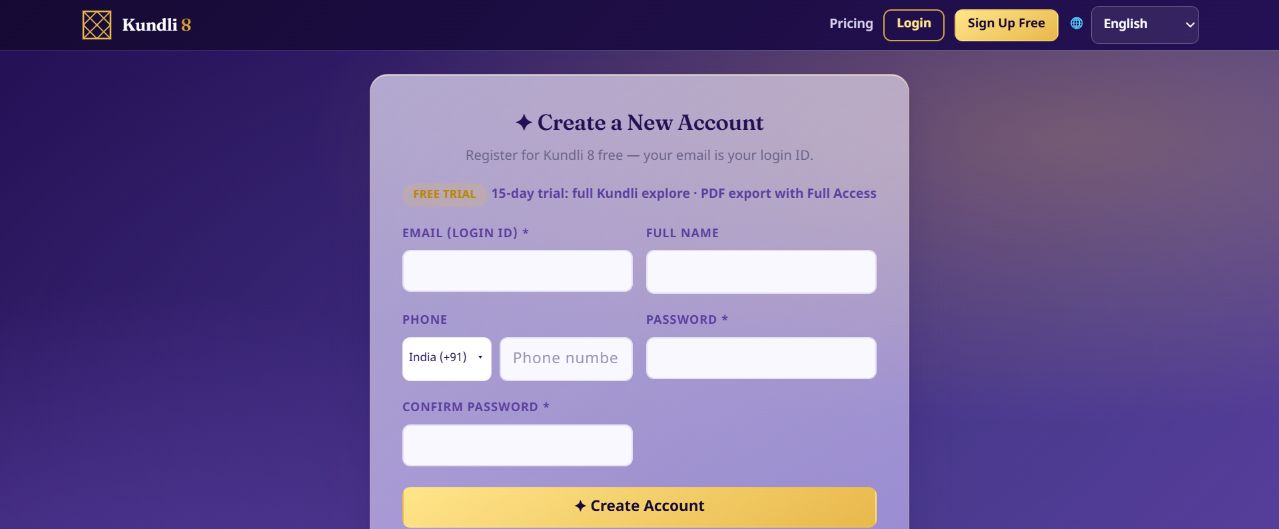
The compact phone row starts with India (+91). Open the country selector to search by country name, ISO code or calling code; all 249 countries and territories remain available. Enter a national number beside it or a full international number starting with +. Canada and the United States remain separate choices even though both use +1. Account uses the same compact selector. Phone country does not determine checkout prices.
Guided path (10 steps)
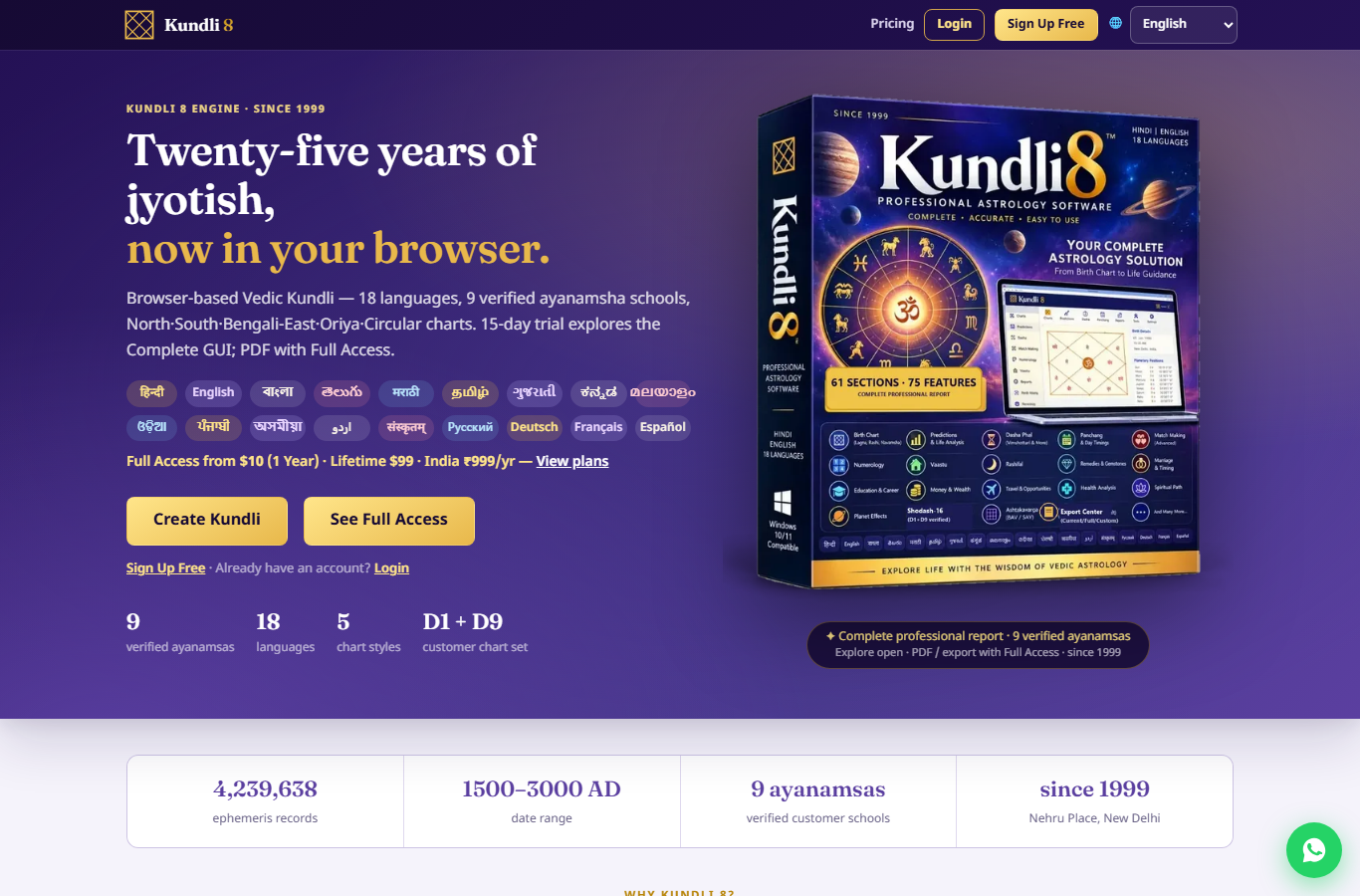
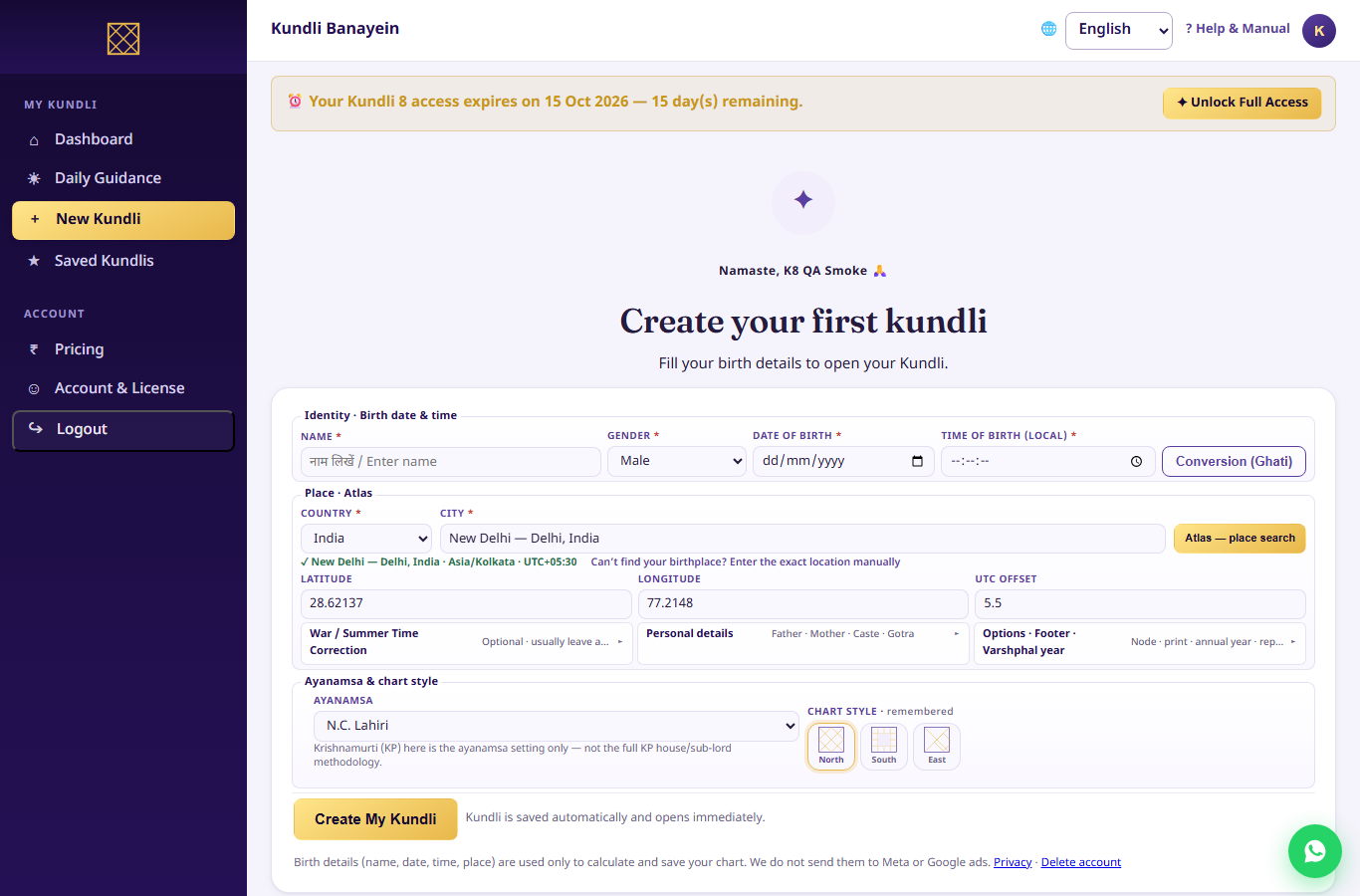
- Create Kundli — name, date, time, place.
- Verify birth location / timezone — use place search so lat/lon/tz stay consistent.
- Choose Ayanamsha — Lahiri is the common default; keep it consistent on a case.
- Choose chart style — North / South / East (same math, different drawing).
- Open D1 / D9 — birth chart + Navamsha in Charts / Complete Report.
- Birth vs Current Dasha — read both labels on Vimshottari.
- Open Panchang — Tithi, Nakshatra, Yoga, Karana, Vara.
- Open Complete Report — navigate the dock; start with Overview → Planets → Charts.
- Save chart — reopen anytime on web or Store app with the same account.
- Export PDF — Full Access only; trial can explore on-screen.
Trial reminder
On-screen explore is open during the 15-day trial. PDF / print / export need Full Access.